Experience the result
Browse real footage converted to immersive 3D in the player below. On a Meta Quest or Apple Vision Pro, tap “Enter VR” to feel the depth yourself — or download a sample further down and play it natively on your headset.
Put on your Meta Quest or Apple Vision Pro, open xclusivevr.com/watch in its browser and enter code SAMPLE to see this conversion with real depth. No account needed.
Your library
Every conversion lands in your own 3D library
We host your converted videos for you, in one dashboard with previews, watch links and QR codes. Your memories become a collection you open in your headset, not files you have to manage.
Stream, don’t transfer
Press play in your headset over Wi-Fi. No cables, no copying files, nothing to install.
Pair your headset once
Enter a short code on your Meta Quest or Apple Vision Pro and your whole library is one tap away, every time you put it on.
Share with the people in them
Every video has a private link and QR code, so family and friends can watch too. Downloading stays possible whenever you want a copy.
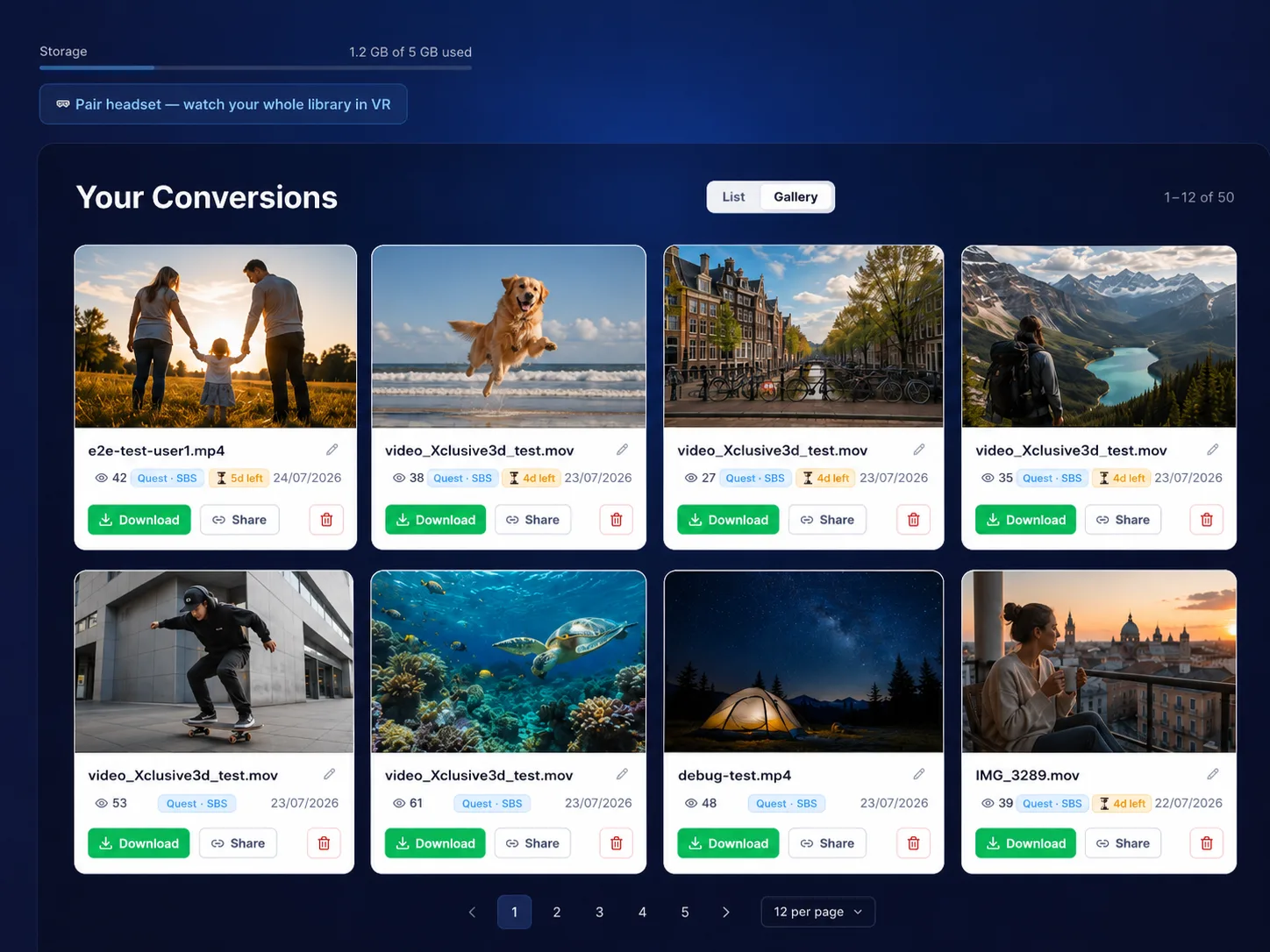
Your own videos never need file transfers
The downloads below are just for offline testing. When you convert your own video, we host it for you and stream it straight to your headset. No cables, no sideloading, no player apps.
Convert
Upload any 2D video. Our AI converts it to true 3D in the cloud.
Open your dashboard
Every video appears in your library with a watch link and QR code, hosted for as long as you're subscribed.
Press play in your headset
Scan the QR code, or pair your headset once with a short code. Your whole library plays instantly, in 3D. A stable Wi-Fi connection is all you need.
Available Formats
Choose the format that matches your device
Full Side-by-Side (SBS)
Universal format compatible with Meta Quest, Samsung XR, and all other VR headsets. Also the format used for 3D uploads to YouTube.
MV-HEVC Spatial Video
Optimized format specifically for Apple Vision Pro with superior compression and quality.
Cinema 3D
Premium 3D conversion using advanced AI depth estimation with neural inpainting for clean edges and rich depth — perfect for cinematic content on Meta Quest, Apple Vision Pro and other major VR headsets.
- AI depth estimation per frame
- Neural inpainting removes edge artifacts
- Full resolution output (up to 8K)
- Compatible with all VR headsets
Comfort Preset
Ideal for extended viewing — subtle 3D experience
Gentle depth, minimal eye strain, perfect for beginners
Full Side-by-Side
All VR Headsets
File Size: ...
MV-HEVC Spatial
Apple Vision Pro
File Size: ...
How to view a downloaded sample
Only needed for these offline sample files. Your own conversions stream straight from your dashboard to your headset, without any of the steps below.
- Download the sample file that matches your device
- Transfer the file to your VR headset
- Open the file in a compatible video player (see below)
- Experience the comfort preset in 3D
Recommended players for step 3
Meta Quest
SBS .mp4 — sideload via SideQuest or USB to your Movies folder
- Meta Quest TV— built-in, free. Long-press the video and choose “3D Side-by-Side”.
- Pigasus VR Media Player — paid; best-in-class playback with auto-detection of SBS layout.
- Skybox VR Player — free tier; streams over local network (DLNA/SMB).
- DeoVR — free; broad codec support including 8K HEVC at 60 fps.
Apple Vision Pro
MV-HEVC .mov — AirDrop from your Mac/iPhone or sync via iCloud
- Photos app — built-in, native MV-HEVC playback with stereoscopic depth metadata.
- Files app — tap the .mov to launch the system video player.
- Apple TV app — for files imported into your library; ideal for repeat viewing.
Ready to convert your own videos?
Start converting your 2D videos into breathtaking 3D content today